interface Output {
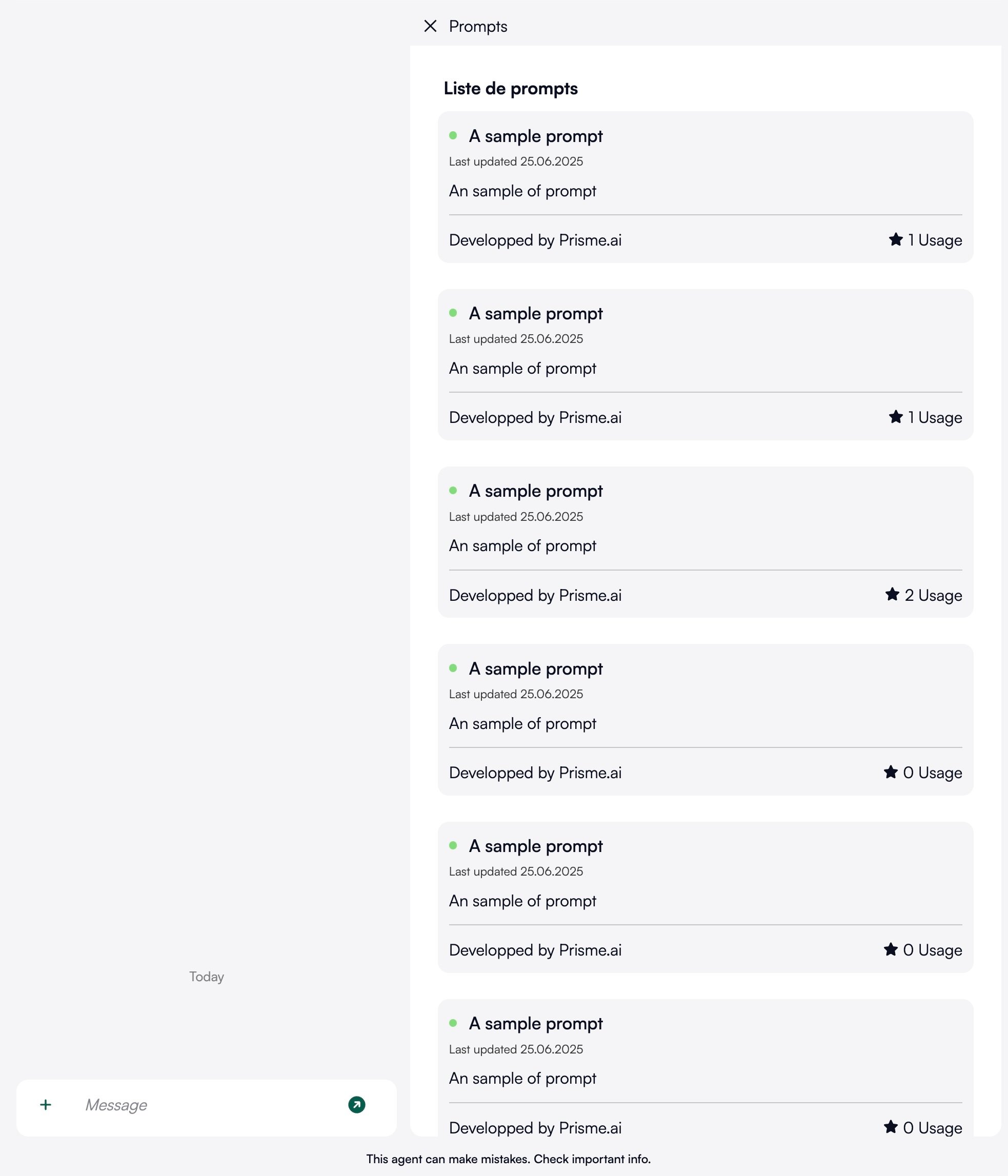
  items: Item[]; // Array of items of Item (see below)
  total: number; // Total count of items
  page: number; // Current page
  perPage: number; // Items count per page
  onSelect?: {
    url: string;
  }; // Optional callback endpoint called when user select an item.
  selection: 'single' | 'multiple'; // Single selection will close the pickr on the first selection, when multiple will allow to check many then will need to click on submit button.
}

interface Item {
  title: {
    fr: string
    en: string
  }; // The item title, localized
  description:{
    fr: string
    en: string
  }; // The item description, localized
  author?: string; // The author name, optional
  updatedAt?: string; // The last update date as ISO string, optional
  value: { // The more important : the value added to the input when selecting item
    input?: string; // will replace the current value in input, but without submitting it
	attachments?: {
      url: string;
      type: 'image' | 'audio' | 'file';
    }[]; // will attach a file to the input
    tool_choice?: string[]; // a list of tools to trigger
    metadata?: {
      [key: string]: any;
	}; // some metadata to decorate the input
  };
  id: string; // A unique id. If you want to use the counter functionnality, keep it stable
}