

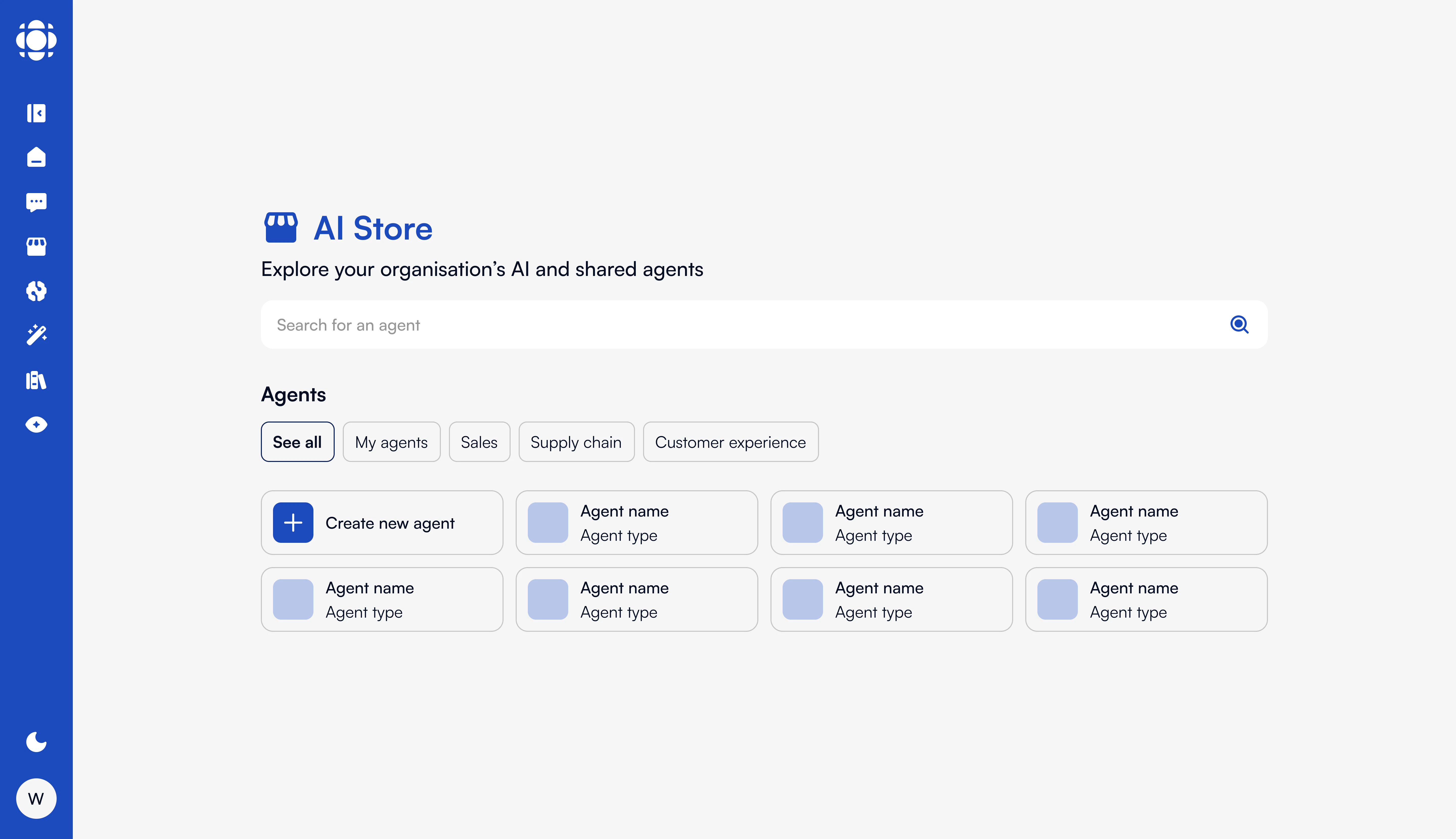
Global Configuration Schema
Onboarding
Onboarding
The onboarding experience can be customized in HTML with localized messages, and configured to show:
- Once per session (default for most)
- Always (e.g., for new user education)
Themes (Light & Dark)
Themes (Light & Dark)
AI Store supports full UI theming. You can override colors using CSS variables under
themes.light.variables and themes.dark.variables.Example:User Roles & Access
User Roles & Access
AI Store visibility is governed by the workspace’s RBAC rules. SecureChat agents within AI Store can be:
- Public to the entire instance
- Scoped to specific groups or SSI-based entities
- Manually assigned per role or via automation
Policies & Legal Links
Policies & Legal Links
You can define custom links to T&C and privacy policies:These are displayed at the bottom of the AI Store interface.
Guidance Messages
Guidance Messages
Input guidance can be localized and shown above the message input:
Canvas Custom Actions
AI Store integrates tightly with Canvas, allowing agents to process rich structured content. You can configure default AI behaviors for canvas interactions:Upload & Retention Settings
Files uploaded via AI Store (for context or RAG) are retained for a configurable duration:Agent Creation
AI Store can contain multiple agents, each with:- Unique names, descriptions, prompts, and categories
- Access rules and visibility constraints
- Tools and document collection bindings
- Monitoring and usage tracking
- Manually via AI Store for basic configuration and AI Knowledge for advanced settings.
- Automatically via AI Builder workflows
- Imported from other environments (e.g. DEV → PROD) using CI/CD and Prisme.ai APIs
Monitoring & Analytics
All agent usage within AI Store is traceable via:- Workspace activity logs on AI Builder
- Analytics on AI Knowledge
- Centralized OpenSearch/ElasticSearch
- Feedback collection (thumbs up/down and comments)
- Metrics via Prometheus (e.g., avg. response time)
Example Integration in index.yaml of AI Store workspace on AI Builder
Next Steps
AI Knowledge
Configure document-based agents and RAG
SecureChat
Add chat agents to AI Store
Monitoring & Logging
Track usage and agent activity in real-time
Create an agent
Learn more about agent creation